
From QR code to reply on Google, in five steps.
More reviews, a reply ready for each one and your Google Business Profile always in order. Follow a week at Corner Kitchen: for each step, what the customer sees and what you see.
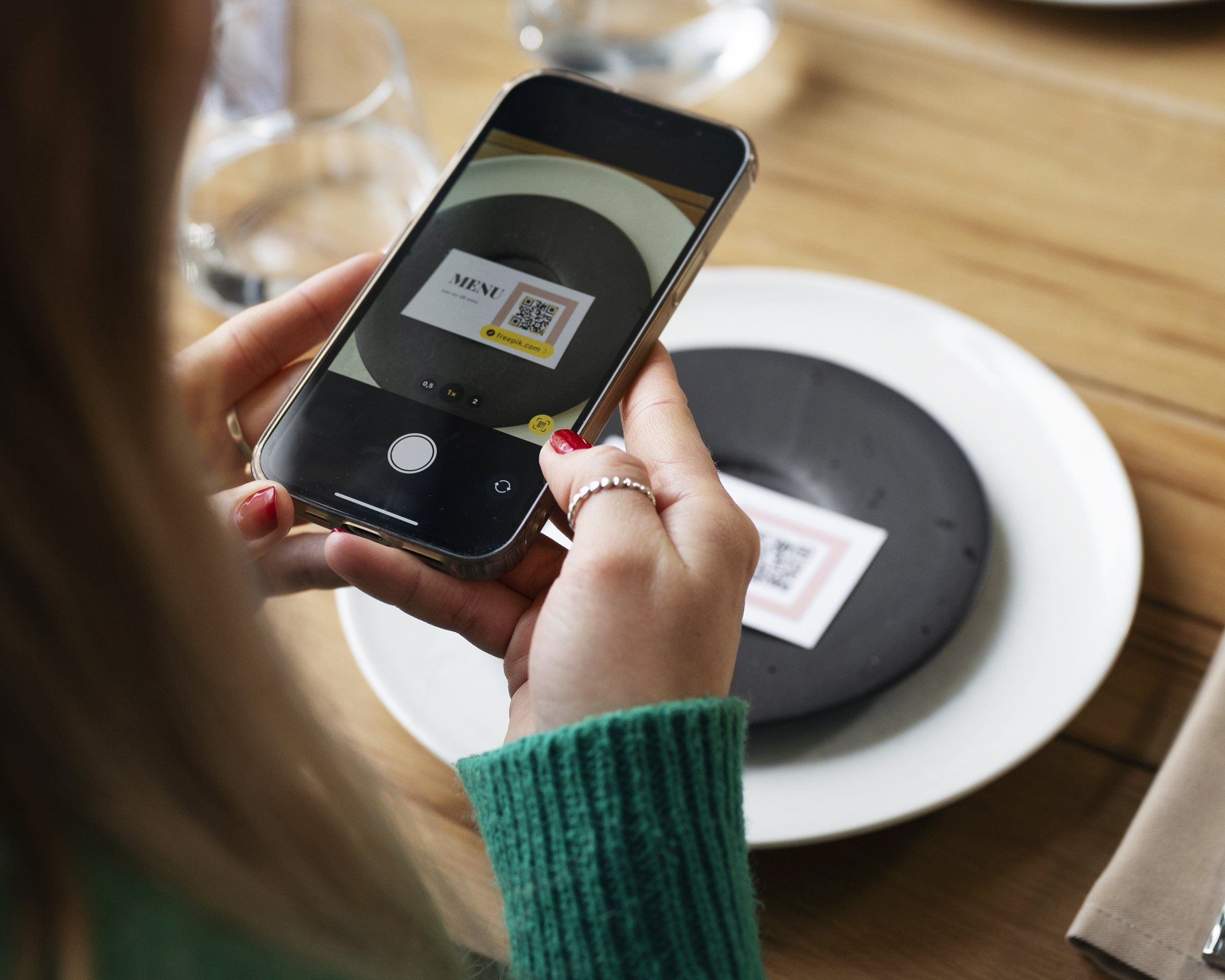
The customer scans the QR code and tells you how it went, in a minute.
They scan it on the phone of whoever served them, or printed at the table, in the room or at the till. They answer in the browser, nothing to install: a score from 0 to 10 and a few words. Then comes the invitation to review you on Google. Happy customers don’t write, unless someone asks them.
- Your staff: the QR code always ready on their phone, in the app or on their personal page
- The customer: one question per screen, then the Google review one tap away
- You: the score as soon as it arrives, with table, department and time
In the free Basic plan, one personal and one fixed QR code; with the Startup plan, as many as you need, and rewards for feedback.
Replying is work. Now replies are automatic, in your tone and by your rules.
The Reputation Specialist, faiReview’s AI agent, sorts reviews by urgency and replies to each one in your venue’s voice and in the customer’s language. Replies are automatic, in your tone and by your rules. If you would rather read them first, keep approval on: those who approve drafts already save 90% of their reply time (measured on a sample of faiReview customers, 2026).
- The customer: a real reply, in the venue’s name, in their language
- You: reviews sorted by urgency, with the replies ready
- Mass replies for the week’s reviews
In the free Basic plan, AI drafts for your first 10 reviews; with the Startup plan, no limit.

Holiday hours, posts and menu: your Google Business Profile is always in order.
The Social Media Manager, faiReview’s AI agent, keeps hours, photos and services up to date, prepares the post calendar and translates the menu into 45 languages with allergens; it warns you if someone tries to change your profile. Another agent, the SEO & GEO Specialist, keeps an eye on views, calls and directions. You approve and publish.
- The customer: the right hours on Google, and the menu in their language
- You: you accept or reject the edits Google suggests
- Views, calls and directions from your profile, month by month
Google Business Profile, posts and digital menu with the Startup plan.

The why behind every score: in the dining room, at dinner, at the weekend.
Business Intelligence reads Google reviews, scores and comments. It shows you what customers talk about, where and when each topic comes back, like waiting, and how much it weighs on the score. If a negative theme returns, an alert and a report tell you before it happens again.
- The customer: their own words stay as evidence
- You: where a problem comes back and how much it weighs
- Every figure tells you whether it rests on enough answers
Business Intelligence is added to the Startup plan or higher.
On Monday at 8 you know how the week went, and what to do today.
A one-page email arrives, “The location’s week”: reviews, stars, 0 to 10 scores, replies published and what to do today.
- The customer: on Friday there’s one more person on the floor
- You: a summary written by the AI, and labelled as such
- In the weeks after, you see whether the waiting comes back
The Monday email on every plan; the AI summary with the Startup plan, scheduled reports with the Professional plan.
 faiReview
To get started you need your Google Business Profile, a QR code and your staff.
You connect the location’s Google Business Profile, show your first QR code from the faiReview app, even on your staff’s phones, no printing needed, and invite the people who work with you. No installation needed: you switch on the rest when you need it.
Included in the free Basic plan.
Frequently asked questions.
Does the AI reply to reviews on its own?
No. The Reputation Specialist, faiReview’s AI agent, prepares the draft in your venue’s tone and in the customer’s language; with the rules you decide, drafts prepare themselves. A person always publishes it.
What if a customer stays unhappy?
Business Intelligence finds the negative themes in reviews, scores and comments and sends you alerts and reports. Following up each unhappy customer, with a name and a deadline, is Coming soon.
Do I have to print the QR codes?
No. You show them on any phone: from the faiReview app or, for staff who don’t use it, from their personal page. If you like, you print them for tables, rooms or tills.
Can I change where a QR code leads?
Yes, whenever you like: from the 0 to 10 score to a Google review or another website. The QR code stays the same, printed or in the app.
Do I need to install anything?
No. The customer answers in their phone’s browser, and you use faiReview in the browser or in the app.
From the first QR code to the first review with a reply.
Start with the free Basic plan and try every step, before choosing a plan.