
One question. Every customer’s score.
How likely are you to recommend us to a friend? The customer answers from 0 to 10 on their phone, with no app, and can add a comment. It is the default question on every QR code and link.
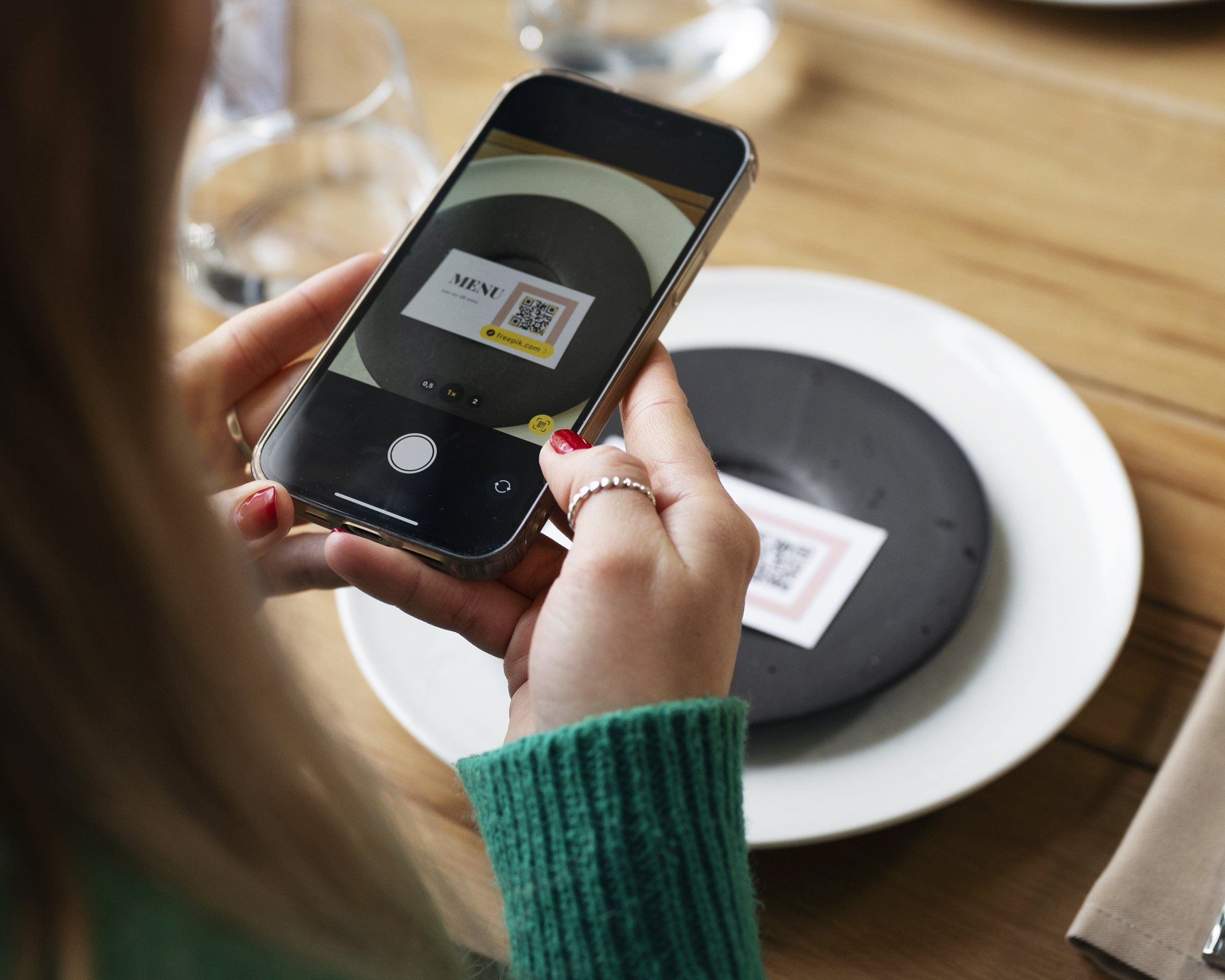
One question, one number, a few words if they like.
The NPS asks nothing more: the score from 0 to 10 and an optional comment. That is why almost everyone answers. You read the reason behind the score in the comment, and Business Intelligence puts it together with what your reviews say.
- Ready on every QR code and link, nothing to set up
- No app and no sign-up
- In the language of the customer’s phone
In the free Basic plan, up to 10 scores per QR code. Unlimited with the Startup plan.
After the score, a thank-you and the invitation to tell it on Google.
Whoever answered sees the thank-you page, with the reward for feedback if you switched it on, and the invitation to leave a Google review. The page is the same for every customer.
Thank-you page and invitation in the free Basic plan. Reward for feedback with the Startup plan.
Is the score going up or down? You see it location by location.
Score and answers arrive in the dashboard next to your Google reviews. A low score alerts whoever needs to act, and every Monday at 8 the location’s week tells you how it went.
Score, answers and alerts in the free Basic plan. NPS month by month with the Startup plan.
What each plan includes.
- BasicUp to 10 scores from 0 to 10 for each of the 2 QR codes, score and answers in the dashboard, alerts.
- StartupUnlimited scores, NPS month by month and the reward for feedback.
- ProfessionalEverything in the Startup plan, across several locations together.
- EnterpriseEverything in the Professional plan.
Frequently asked questions.
What is the difference between NPS and a survey?
The NPS is a single question, from 0 to 10, and it is in the free Basic plan. Surveys, coming soon, will tell you why, with more questions: satisfaction, ease, ratings by category such as food or cleanliness.
Does the customer need to download an app?
No. They scan the QR code or open the link and answer in their phone’s browser.
Who sees a low score?
Whoever needs to act gets an alert in the app, and the score stays in the dashboard with its comment.
Ask every customer for their score, starting tomorrow.
The NPS is in the free Basic plan: connect your Google profile, show your first QR code from the app, no printing needed, and the scores start coming in.